
Who this is for: plant heads, maintenance heads and field service managers whose teams work with tools in hand and cannot stop to look something up.
The business problem: information is out of reach
Frontline workers keep plants running and make sure products are built right. Yet they have often been the last people in a company to get modern tools. Most plant heads will know the result. Workers spend much of the day using tools and handling equipment. When they need a manual, a checklist or an expert's advice, they have to stop, put things down and go and find it. Experts often have to travel to site for repairs and installations, which costs time and money.
Four problems come up every day:
- Unreliable data. Data recorded by hand is prone to repeated human error. Even small mistakes are costly when that data feeds quality control.
- Instructions on paper. Paper instructions are slow to update and easy to misread, which leads to missed steps and rework.
- Too much manual reporting. Workers spend more time writing reports than solving the problem in front of them.
- A retiring workforce. Many experts are close to retirement. When they leave, their know-how often leaves with them.
This matters most in work where accuracy is critical, such as inspection, assembly and maintenance. The cost of a missed step is rework, and the cost of waiting for an expert is downtime.
What to do: put the instruction in the worker's line of sight
This article draws on two of our LinkedIn Live sessions on AR for frontline teams. AR glasses show information directly in the worker's field of view. The main advantages are:
- Hands-free operation: workers reach information and data without putting down tools or equipment.
- Voice control: voice-controlled apps let workers complete tasks without touching a screen.
- Less travel: connecting online with experts for technical support or installations saves the time and cost of travel.
- Fewer errors: workers complete tasks more efficiently and stay focused on their main job.
Five use cases
Pick the one that matches your largest source of delay. Most plants start with remote expert guidance or digital workflows, then add the others.
1. Remote expert guidance
Workers connect with remote experts in real time. For a complex repair, an unfamiliar task or an urgent decision, the expert guides the worker through the glasses' display. This reduces downtime and errors and makes expertise available wherever the worker is.
2. Digital workflows
Checklists, forms and documentation appear in the worker's field of vision. Reports and inspections are completed digitally, without paper or separate devices. This saves time and reduces data entry errors.
3. Document navigation
Manuals, schematics and drawings can be viewed hands-free, so workers can follow step-by-step instructions or check specifications on the job. This matters most where accuracy is critical.
4. Industrial IoT data
Real-time data, performance metrics and sensor readings appear on the display. Workers can monitor equipment health and decide with data while standing at the machine.
5. Visual assist
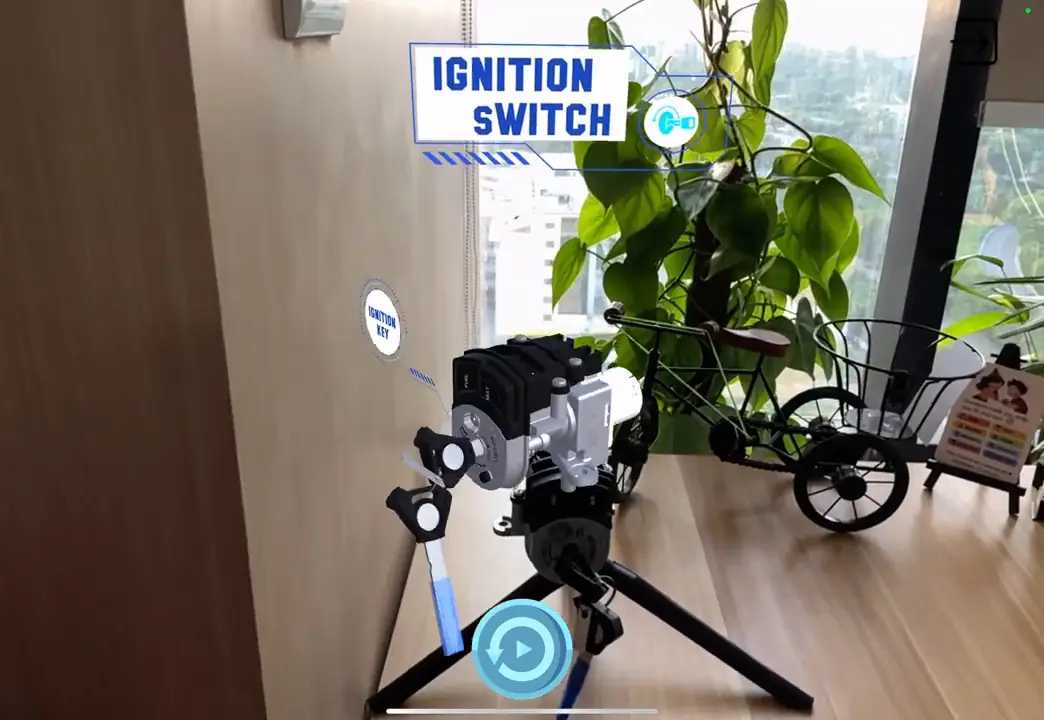
Graphic overlays and animations guide workers through complex tasks. They make it easier to learn new skills, troubleshoot and assemble intricate parts.
Why the paper process fails
A plant head will see the cost in three places. A technician waits for an expert to arrive. A supervisor checks a form that a worker filled in by hand and cannot be sure it is right. A new operator follows an instruction that someone updated last month but never reached the shop floor. Each of these is a delay or an error that comes from information being in the wrong place at the wrong time. AR glasses and digital work instructions put the current version of the information where the work happens.
Where AR glasses fit
- Automotive and manufacturing: assembly, quality control, maintenance and inspection.
- Oil and gas: remote inspection, equipment maintenance and training in difficult environments.
- Energy and utilities: infrastructure inspection, maintenance and data visualisation.
- Field services: remote assistance, troubleshooting and faster repairs.
- Audit and inspection: more thorough and accurate assessments.
- Pharma: production and quality control.
- Mining: navigation, data visualisation and communication underground.
What other companies' products and users show
These are other companies' products and work, not Metaverse911 projects.
Plutomen Workflow
Plutomen Workflow pairs AR smart glasses with a platform for digital work instructions. Instead of reading a long paper document, the worker sees each step through the glasses and follows it in real time. A central dashboard creates, updates and shares paperless instructions, so every worker has the current version. Supervisors get a real-time overview of how work is carried out, can check compliance and can see where productivity can improve. According to the session, this helps in four ways:
- Fewer errors: replacing pen and paper makes data more reliable for quality control.
- Less time lost: workers stop searching through paper documents and Word files for the right instruction.
- Expertise kept: the knowledge of experts nearing retirement can be captured in the platform for current and future workers.
- Standard processes: every site follows the same procedure, and supervisors can monitor tasks as they happen.
RealWear
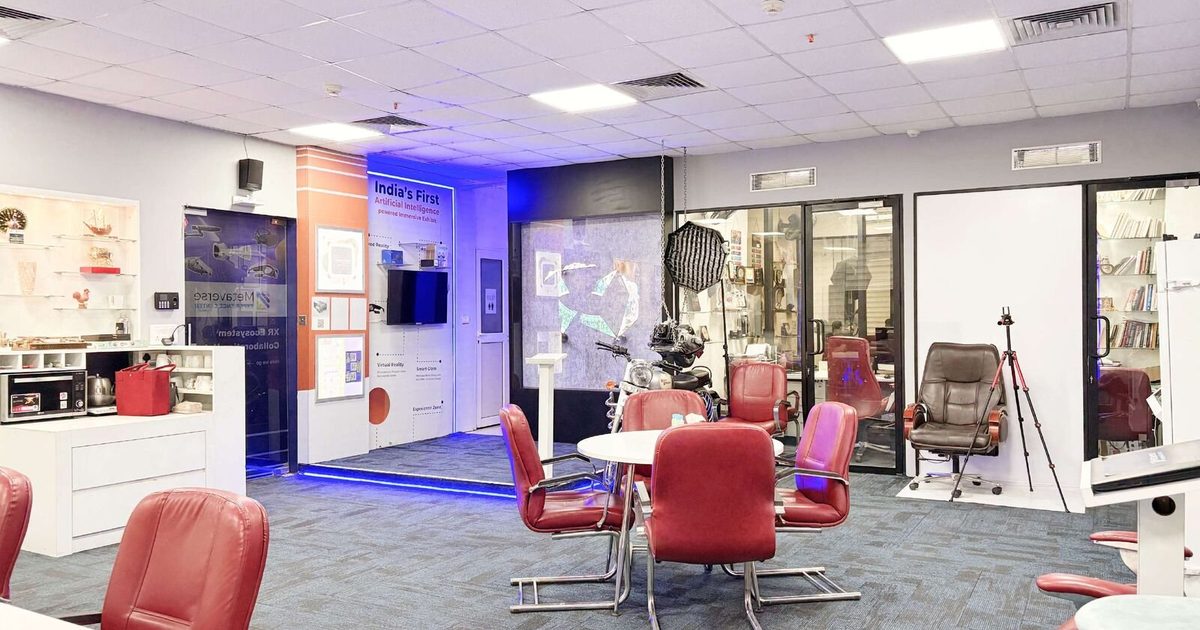
RealWear makes assisted reality wearables that give frontline workers real-time access to information and expertise while keeping their hands and field of view free. It lists Shell, Goodyear, Mars, Colgate-Palmolive and BMW among its customers, who use it to improve workplace safety. You can try RealWear devices at our Experience Center in Noida.
Royal Enfield
Rrahul Sethi cites Royal Enfield in his talks. The company uses AR glasses to connect field technicians with remote experts. The expert sees what the technician sees and gives real-time guidance, with instructions or diagrams in the technician's field of view. Repairs are faster, travel costs fall and downtime is reduced.
How to apply it in your plant
The benefits above are what the vendors and speakers describe. Test them on one task in your own plant before you widen the rollout.
- Start with the task where waiting for an expert or searching for information costs you most. This is often maintenance or remote support, an inspection routine, or a changeover that only a few senior people know well.
- Capture those steps as digital work instructions first, then roll the glasses out to the team that does the task.
- Equip a small team and connect them to your experts.
- Measure travel saved and time to fix.
- Ask the operators what slows them down and what they would change. They know which steps are unclear.
- Use the real-time overview from the start. It shows where people slow down or deviate from the procedure, which tells you which instructions to improve next. Over time the instruction library becomes a record of how your best people work.
AR beyond wearables
For what assisted reality is and how it works, read our assisted reality guide.
Glasses are one way to use AR. If you want to show a product to a buyer at actual size, see our AR product visualisation page. For AR on a tablet, such as inspection and assembly guidance, browse the tablet AR examples in our Insights.
Next step
If you want to explore AR wearables for your frontline teams, talk to our team and we will connect you with the right people. We can also show you how AR fits alongside VR training at our Experience Center.
First published on the Metaverse911 blog.
Frequently asked questions
How do AR glasses help frontline workers?
AR glasses put information directly in the worker's field of view. Workers can use manuals, checklists and expert help without putting down their tools. Voice control lets them complete tasks without touching a screen, so they can work more efficiently and make fewer errors.
What can frontline teams use AR wearables for?
Five main uses are remote expert guidance, digital workflows such as checklists and forms, hands-free document navigation, industrial IoT data on the display, and visual assist with overlays and animations for complex tasks.