
“The Starflex is 24 metres long, so we could never bring it to a booth. With the touchscreen configurator, buyers build it themselves, and our sales team now uses it as their main way of explaining the machine.”
NBG
Read the NBG case study

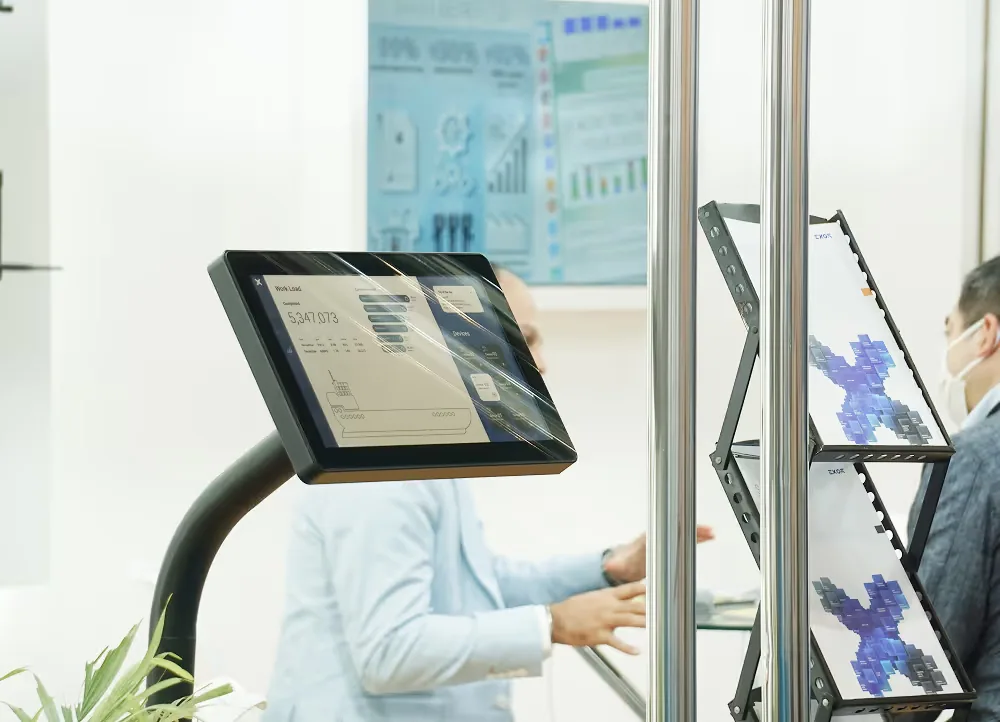
A touch-screen or tablet app where buyers choose the model, options and add-ons, watch key parts animate, and leave their details in the same app. Your booth becomes a lead-capture point, and your sales team gets a tool they can use after the show.
Used by: NBG Printographic (flexo printing machine configurator at Plastindia), EV Fire Pro.
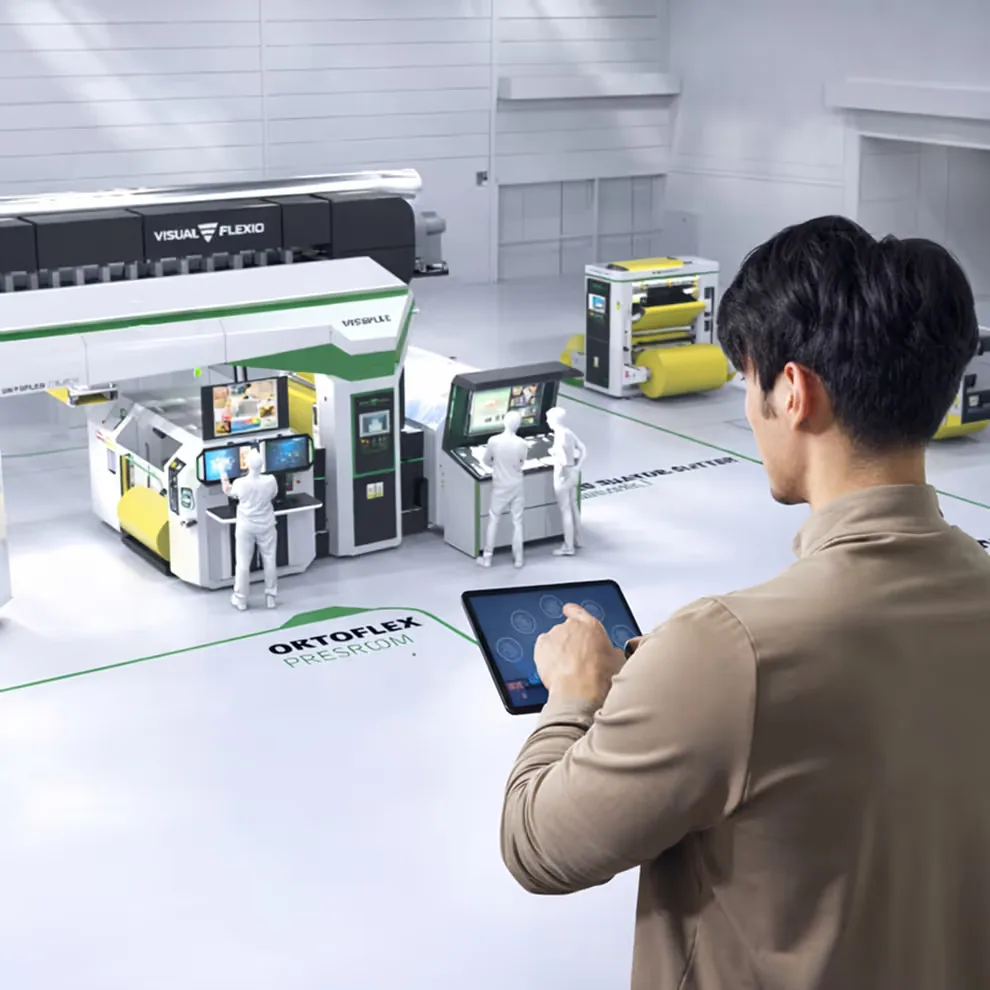
A 3D product configurator is an interactive app that replaces the slide deck and the PDF brochure. Buyers pick a model, switch options and add-ons, and see the result in 3D straight away. Animations show key parts moving and how the machine works.
Slides and PDFs leave sales teams with scattered files, no 3D view of the product and a different message from each presenter. The app puts the product, the story and the case studies in one place, and it runs without an internet connection.
A typical session follows a set flow, but the presenter can jump to any section during the meeting.
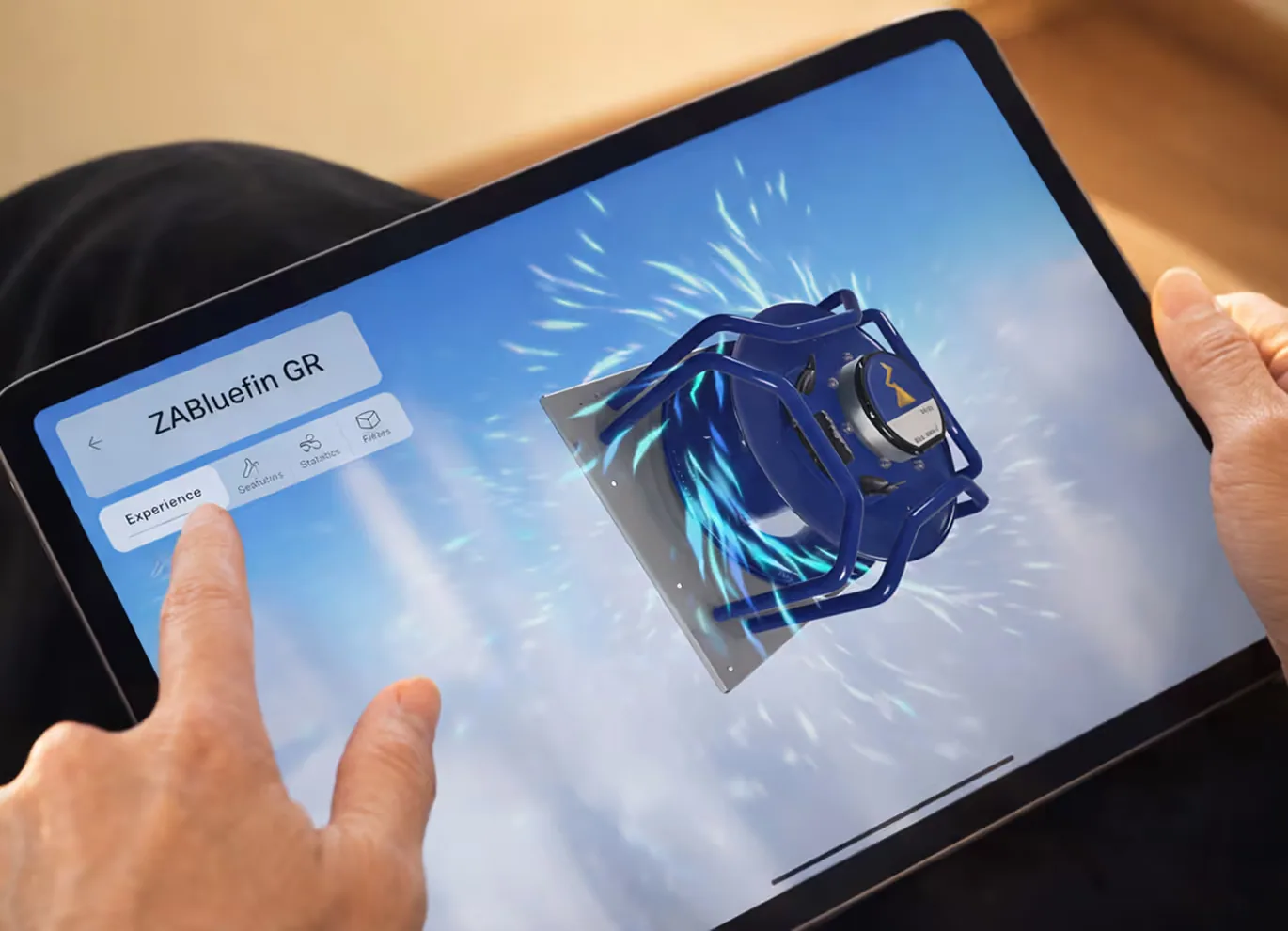
The app runs on Windows and macOS laptops and on Android and iOS tablets and phones. WebGL, kiosk and touch-panel builds are optional, and it can also play on LED walls. It is built in a 3D engine such as Unity and runs fully offline during presentations. Internet is needed only for updates or optional online features.
Voiceover and sound effects are supported, and presenters can narrate themselves when sound is not available.
We start with workshops that turn your raw content into flows, scripts and visual stories. We build the intro and lobby first, then the service pages and case studies, and finally the 3D scenarios and refinements.
The timeline depends on scope. A first version with the intro, lobby and core pages typically takes a few weeks. Ongoing maintenance, new content and platform updates are available.
We built a flexo printing machine configurator for NBG Printographic, shown at Plastindia. EV Fire Pro also uses an interactive product app. Sales teams use these apps at trade shows, in client meetings, in remote and hybrid pitches, on their websites and for internal onboarding.
 Most requested for exhibitions
 Flagship product
 Compact booths
 Heavy machinery
 Sales teams
 Remote buyers & audits
“The Starflex is 24 metres long, so we could never bring it to a booth. With the touchscreen configurator, buyers build it themselves, and our sales team now uses it as their main way of explaining the machine.”
NBG
Read the NBG case study
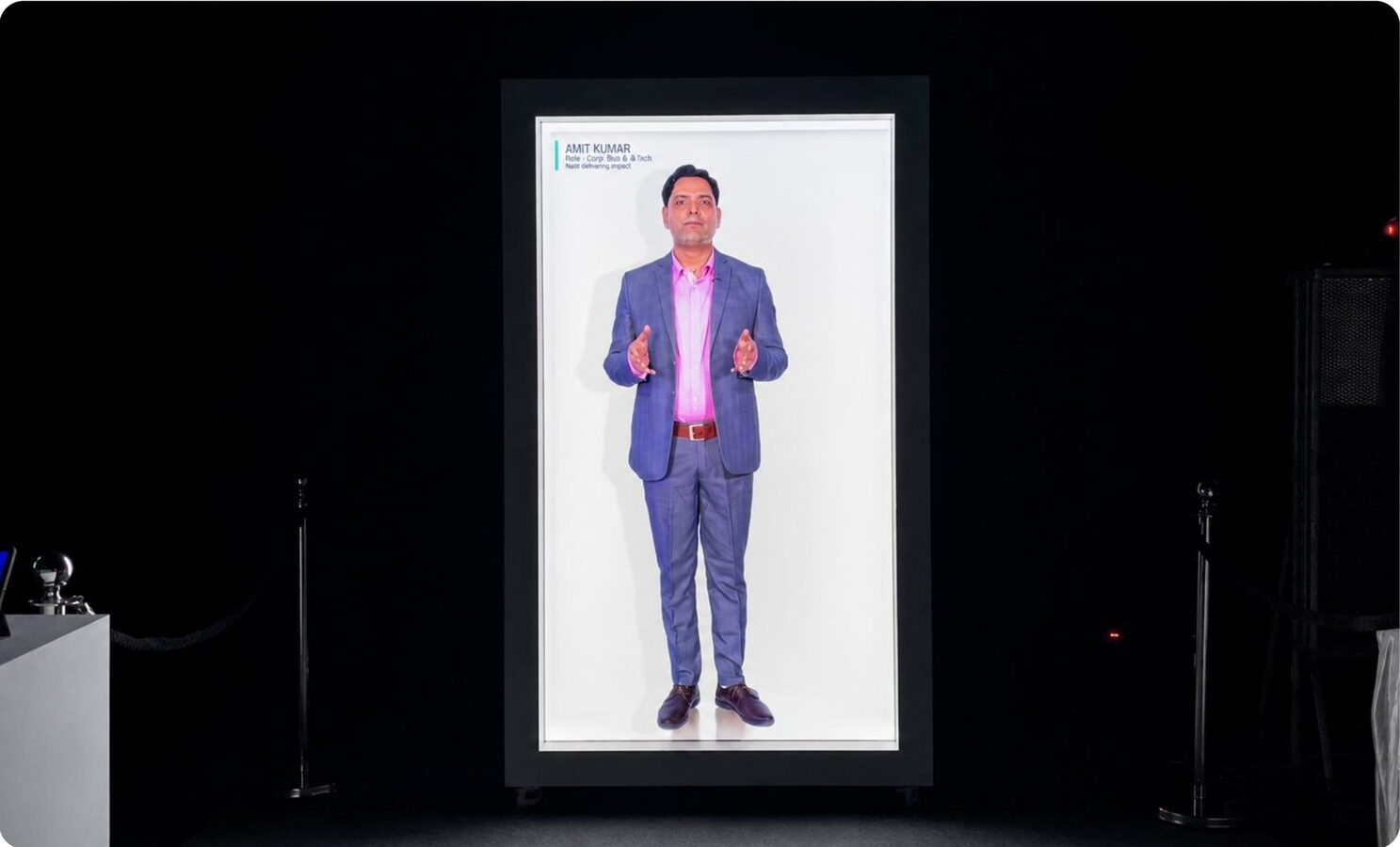
“We opened our Vendor Conference with a life-size AI avatar on HoloBox, in front of 600+ vendors. It answered from our own project records, so what people heard was specific to their work.”
Maruti Suzuki
Read the Maruti Suzuki case study
“Our operators now train on a 1:1 copy of the shop floor in VR before they touch the line. Across six plants, customer PPM came down from 329 to 100.”
Tata AutoComp
Read the Tata AutoComp case study
“We wanted our collection seen at full height without shipping every sample. On a HoloBox, a model walked our garments at true scale, in a fully lit hall, all day.”
Shahi Exports
Read the Shahi Exports case study
“A data platform is hard to make exciting on a show floor. The anamorphic wall did it: over 4,000 visitors came to our booth in two days.”
Experian
Read the Experian case study
“We had a long story to tell in the few seconds a visitor gives a booth. The L-shaped display carried our science, our people and our sustainability work in a way that made people stop in Cologne.”
PI Industries
Read the PI Industries case study
“The L-shape display linked our products to India's landmark infrastructure projects, and that story stopped visitors on a very crowded show floor.”
Gulf Oil
Read the Gulf Oil case study
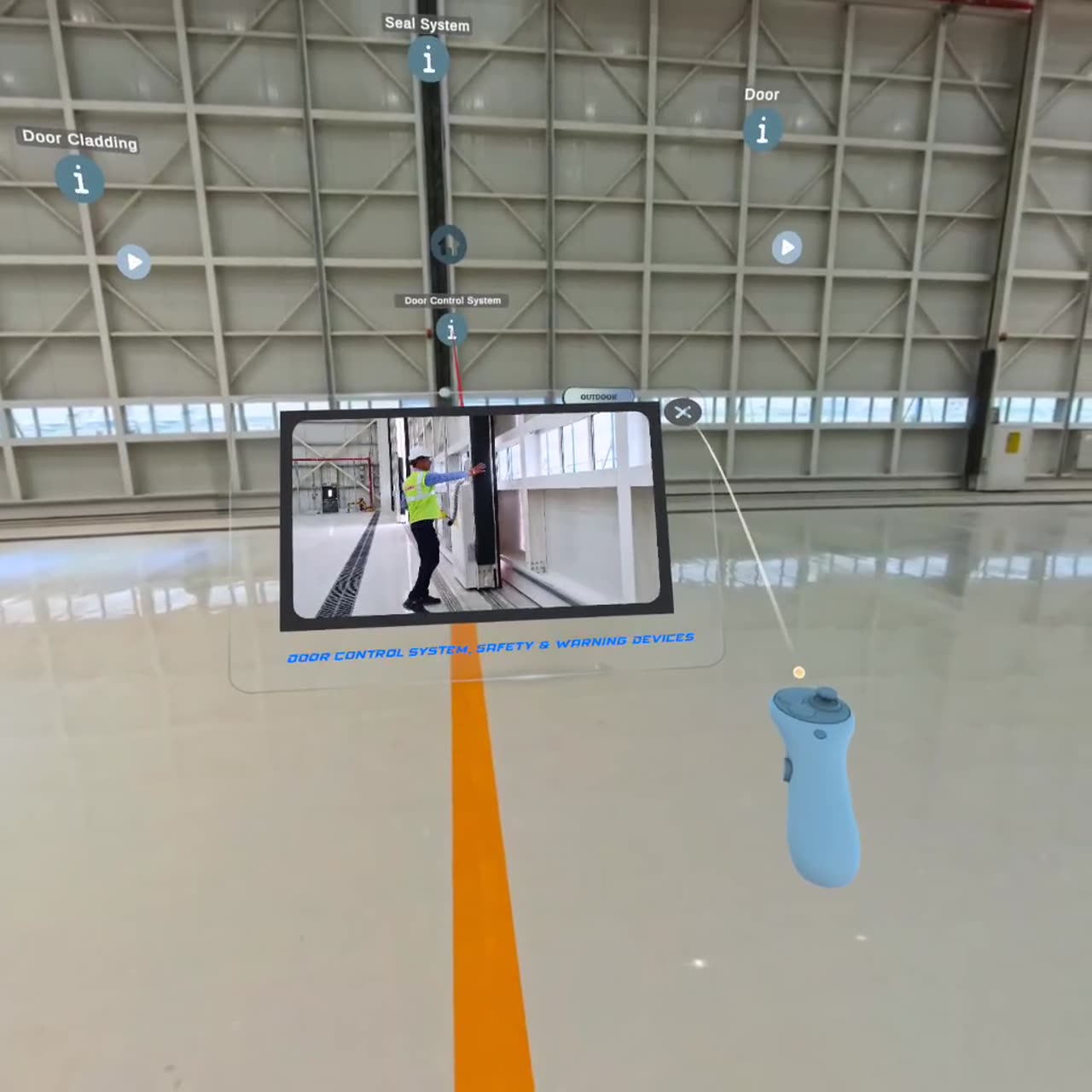
“You cannot photograph the scale of a hangar door. With 360° VR, buyers stand inside our installations from the booth, and we use the same experience at every show.”
Gandhi Automation
Read the Gandhi Automation case study
“We took our Dojo principles out of the slides. In one workshop, our people learned by doing, across nine experiences in AR and VR.”
Spark Minda
Read the Spark Minda case study
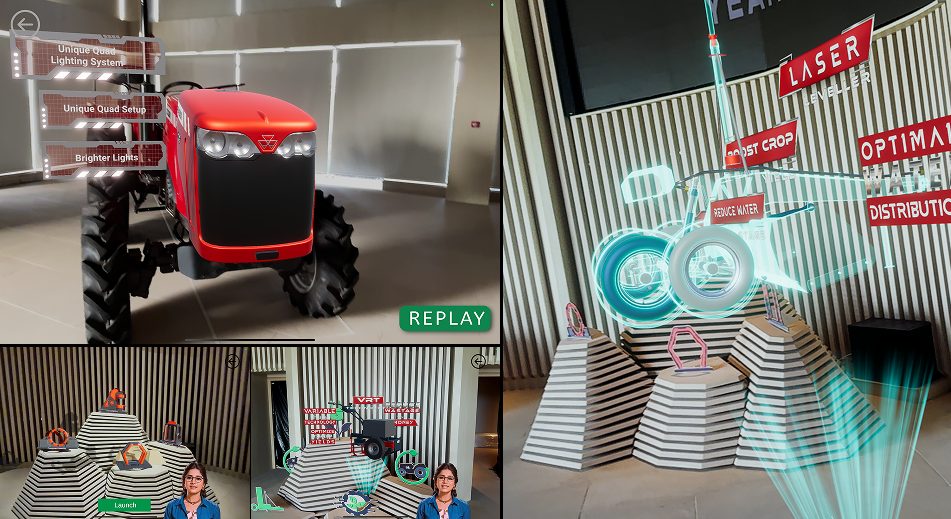
“Having our tractors in 3D, with AR stories for each model, gave our experience centre far more to show than a physical line-up ever could.”
TAFE
Read the TAFE case study
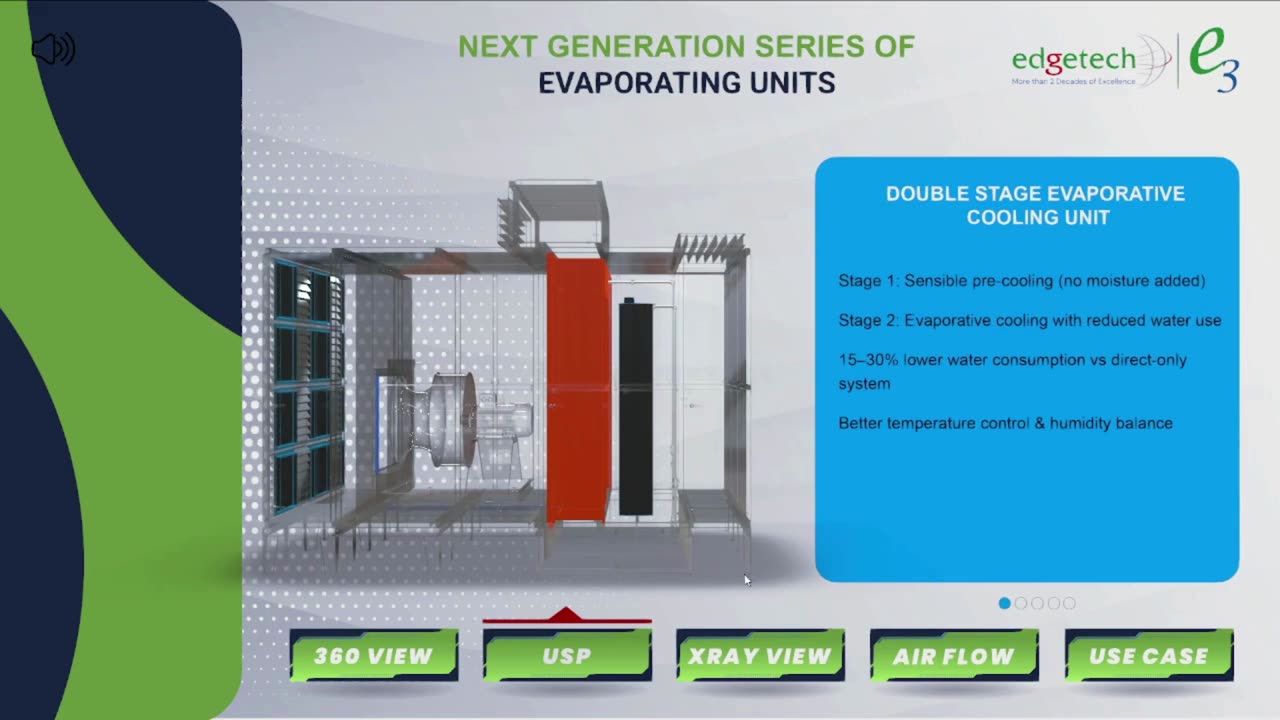
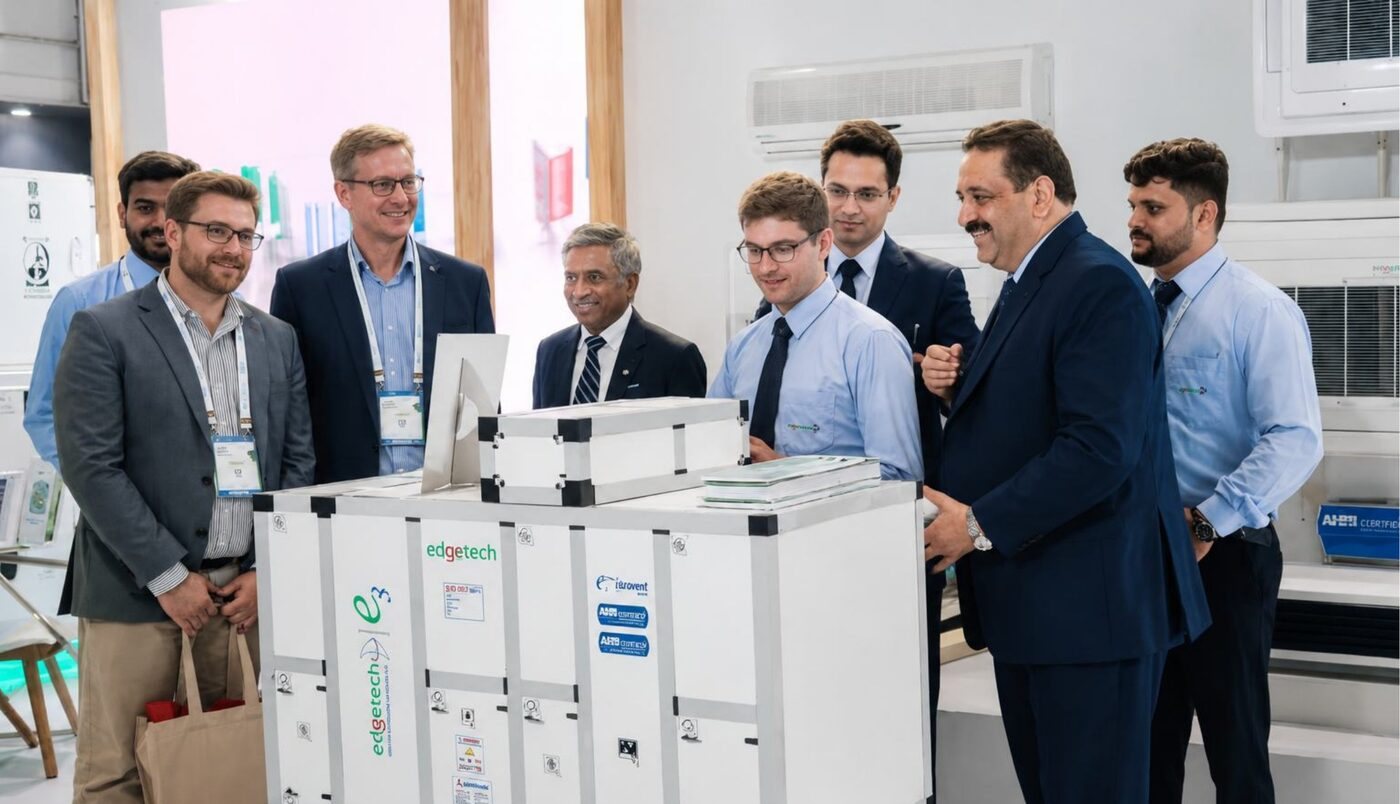
“An air handling unit is large and technical. The 3D printed model, AR and touch kiosk let visitors see inside it in a few minutes, and they kept coming back to the booth.”
Edgetech
Read the Edgetech case study
“The holographic wall shows our partner logos floating in mid-air and blends into the Experience Centre's interiors, so it feels part of the space.”
IBM
Read the IBM case studyIt is a touch-screen, tablet or web app where buyers choose the model, options and add-ons and see the product in 3D, with animations of key parts and a built-in lead form.
It shows every variant without building or shipping them. Buyers choose options, see the result in 3D and can leave their details in the same app, so their choices are captured as a lead.
A 3D or VR space where buyers explore products without visiting a physical showroom. It can open on the web, on a tablet in AR or in a VR headset.
Start with 3D models of your range, then choose how buyers will see them: on the web, on a tablet in AR or in a VR headset. We build the models from your CAD files and product photos.
Yes. It is designed to run fully offline during presentations. Internet is needed only for updates or optional online features.
Windows and macOS laptops, Android and iOS tablets and phones, touch screens and LED walls. WebGL and kiosk builds are optional.
It depends on scope. A first version with the intro, lobby and core pages typically takes a few weeks.